
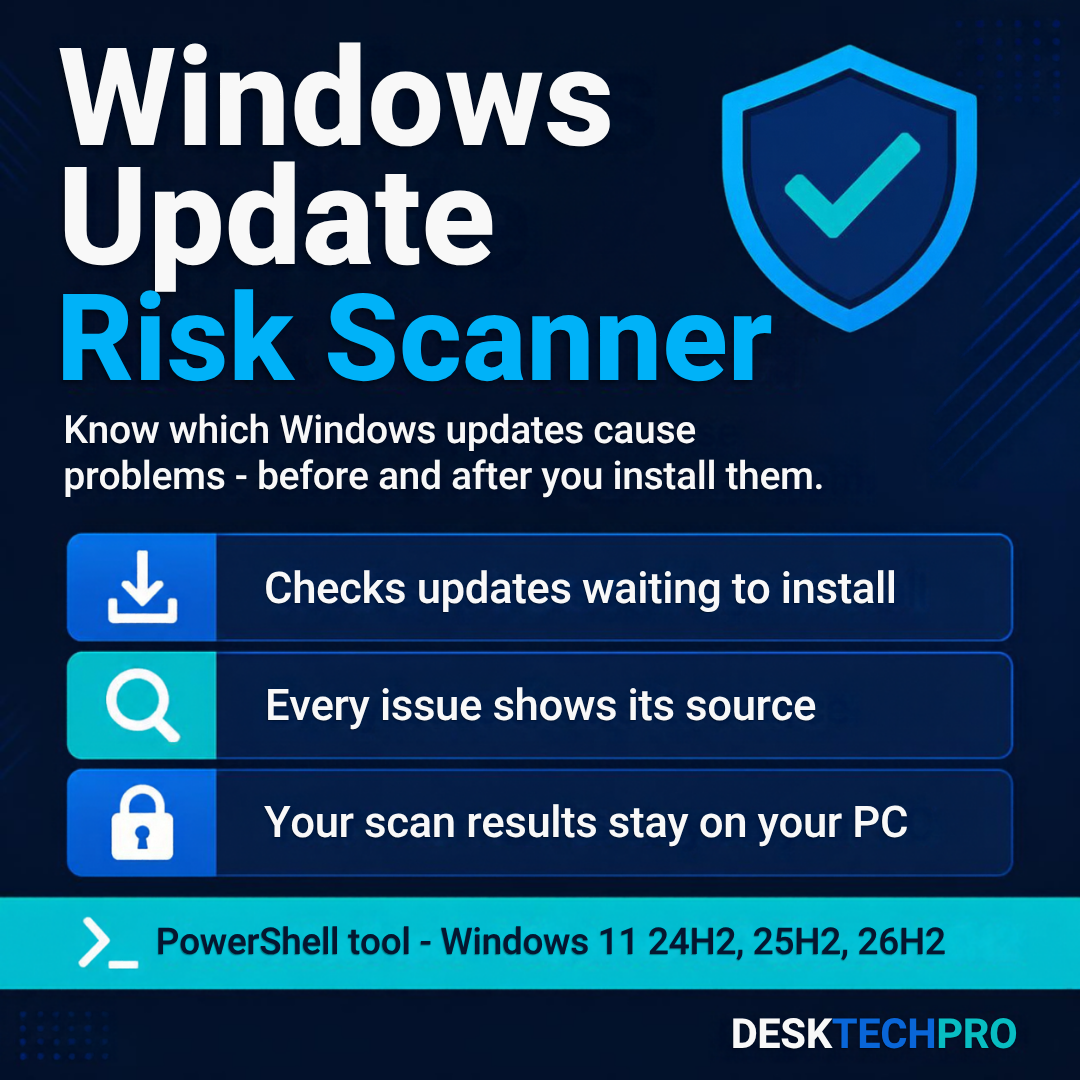
Find out which Windows updates are causing problems – before and after you install them.
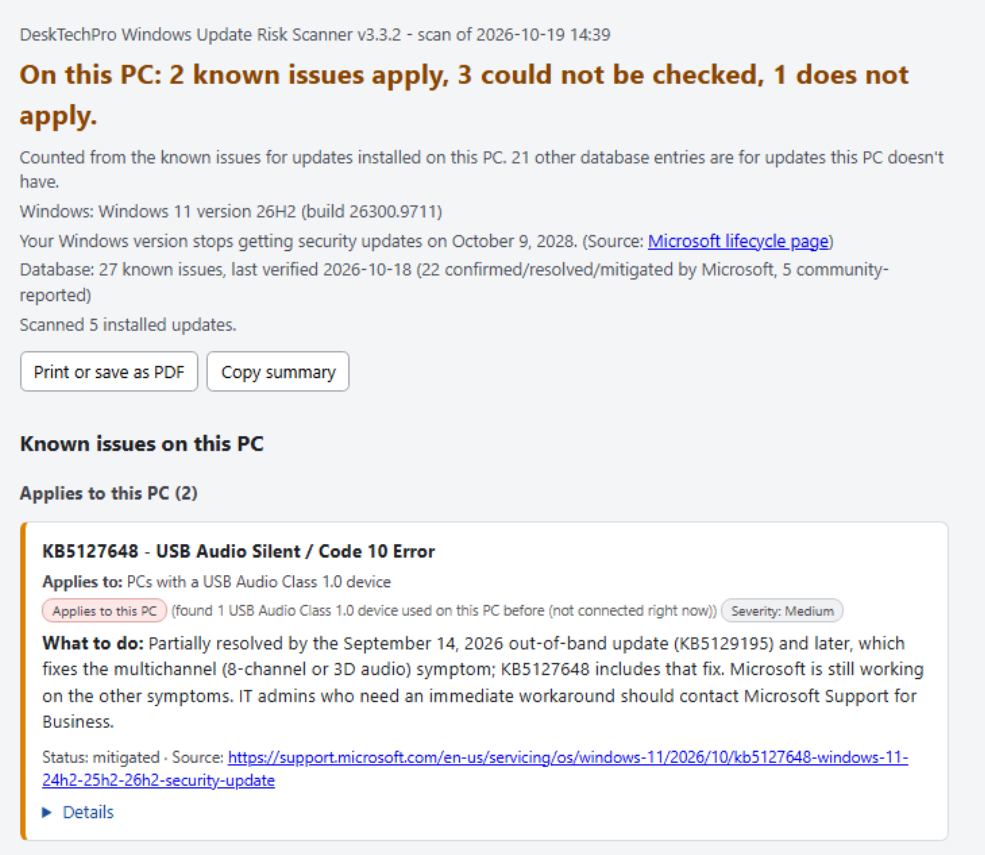
The Windows Update Risk Scanner is a PowerShell tool that checks your PC’s installed and waiting updates against DeskTechPro’s list of known problem updates, then tells you which ones could affect you and what to do about them.
What it does
- Sources shownEach issue links to Microsoft’s own page where Microsoft covers it, and is labeled “confirmed” or “community-reported.”
- Checks updates before you install themIt lists updates that are waiting and any known problems with them.
- Recent Windows Update errorsIt reads your PC’s own Windows Update log for the last 30 days and shows failed checks, downloads and installs by error code and date. Only the date, the error code and the update numbers are kept.
- Before you install updatesIt shows your free disk space and whether a restart is already waiting, with a reminder to know where your BitLocker recovery key is.
- Watch the fixWhen DeskTechPro has a video for a problem or error code, the report links to it.
- Plain-language reportA clear verdict in your browser, what to do first, and what is already fixed. Save it as a PDF or copy a summary to share.
- PrivateYour scan results stay on your PC. The scanner only downloads the list of known issues.
Good to know
Always current. The list of known issues is kept up to date online, and every report shows when it was last verified. The scanner uses the newest list each time it runs, and falls back to its last saved copy if you are offline.
Supported versions. Covers Windows 11 versions 24H2, 25H2 and 26H2 today.
First run. The first time you run it, Windows may show a “Windows protected your PC” screen. If it does, choose More info, then Run anyway.
Nothing hidden. Everything the tool does is in the script file, which you can read before you run it.
Refunds and support
If the Scanner does not run on a supported PC (Windows 11 24H2, 25H2 or 26H2) and we cannot get it working, email support@desktechpro.com within 14 days of purchase and we will refund you. Questions are welcome at the same address. Full details are in our Terms and Refund Policy.
Not ready to buy? Get the free Windows Fix Cheat Sheet
8 pages: the right fix in the right order for slow PCs, Wi-Fi problems, update errors and crashes. Enter your email and it arrives instantly.